The ‘Update Location’ button under the ‘Matches’ tab no longer updates the match list. It updates the map, but the below list remains in the previous order of the default location. This bug started near the beginning of this year and is present whether using Chrome, Safari or FireFox from two different IP locations. This was a wonderful feature that I hope will return soon. Thanks.
@Brad_Garner
You are going to need to look into your browser settings.
Is cloudflare asking you to confirm your identity?
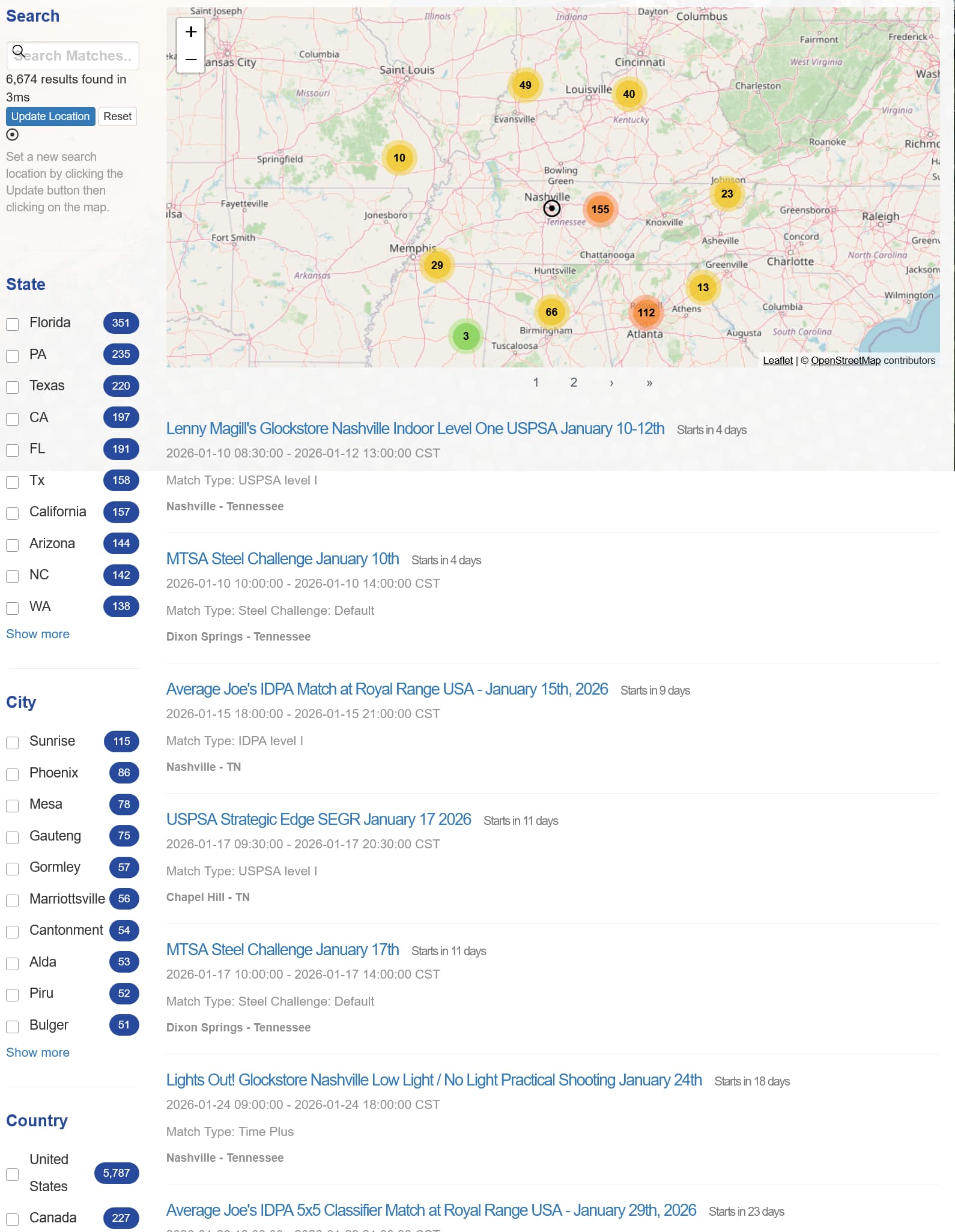
Here is me using Firefox just now 7:30 am.
Located in Nashville.
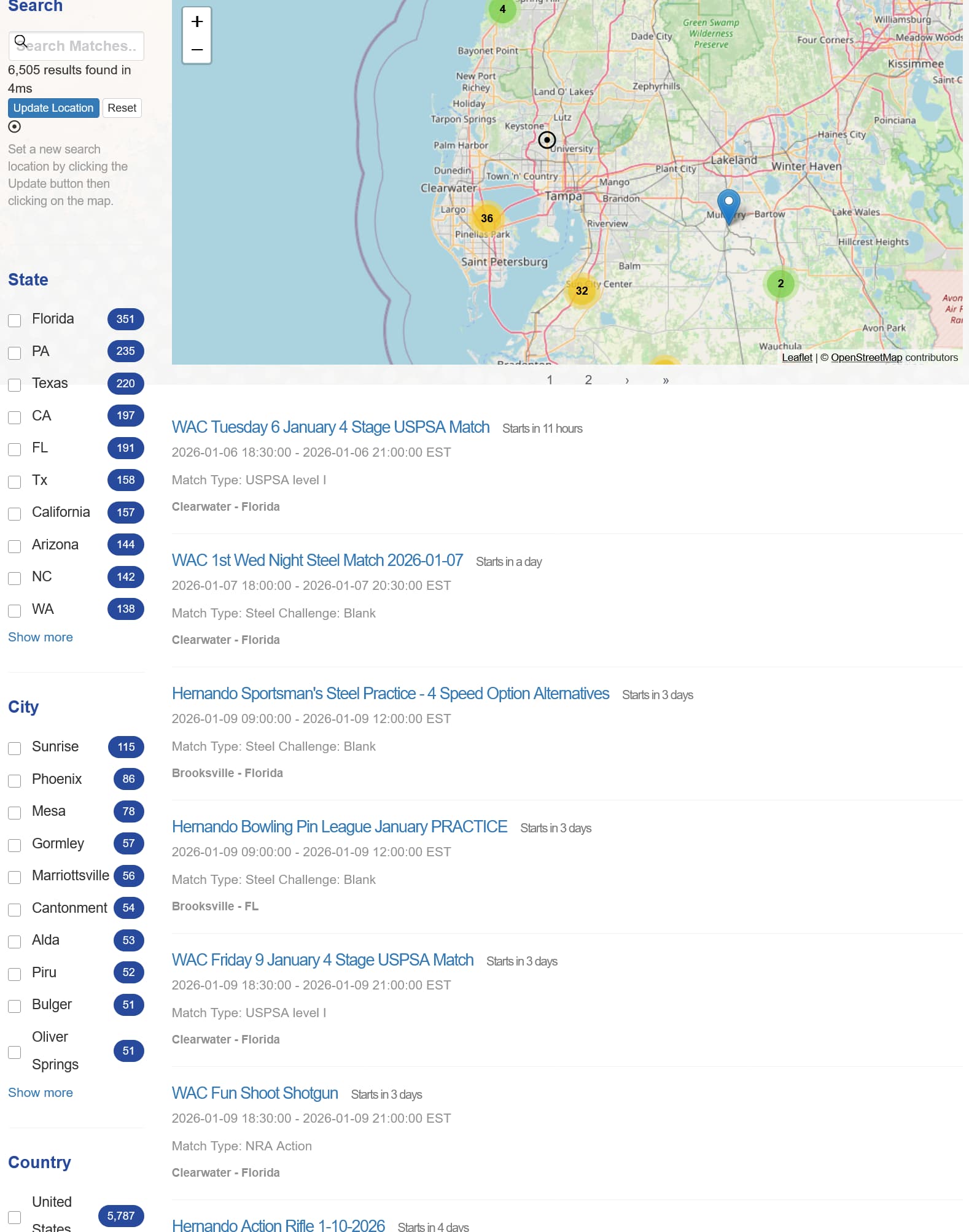
Then changed location to Tampa.
You will notice the match list changed.
Do you have screenshots of this not working like these??
@Brad_Garner check if you have location access permission enabled in your browser(s) for the PractiScore website. If I’m not mistaken, the web team has a task to remove that permission check, but for the time being you may need to allow it.