Really hoping someone can assist here
We have started receiving a Large number of Card declines on a new match fee of £260.00 due to Practiscore not forwarding transactions through the 3D Secure process
Contacting Stripe directly with the transactions ID’s has resulted in this
Thanks for waiting, Angelo. I did a careful check on your account and I can confirm that the charge is being created by your third party, Practiscore. That said, you cannot likely edit the plugin’s integration. To resolve this, you need to reach out to your third party application so that they can update how to handle 3DS authentication for payments.
Is anyone else receiving this or know how to get this resolved?
We have multiple matches set up through here and have only started receiving this, I believe as it’s hit a transaction value threshold
We use Stripe on other sites like MemberMojo and through links for larger values than this which don’t have an issue.
Thanks
@Angelo_Tambini
I will run this by our Web team and see if there is anything on our end.
Didt you finde a fix?
I got the samme problem now 
all has the same error code
Failure code
[authentication_required]
Network decline code
1A
This is a 3-year-old thread.
Can you be more complete in your information. Club name, match name, etc.
But stille the same issiue so i dident want to make another tread 
Club name:
https://practiscore.com/clubs/vadum_skytte_forening
Match
https://practiscore.com/vadum-air-4/register
Problem
Practiscore not forwarding transactions through the 3D Secure process
Risk evaluation
Normal
Failure code
authentication_required
Network decline code
1A
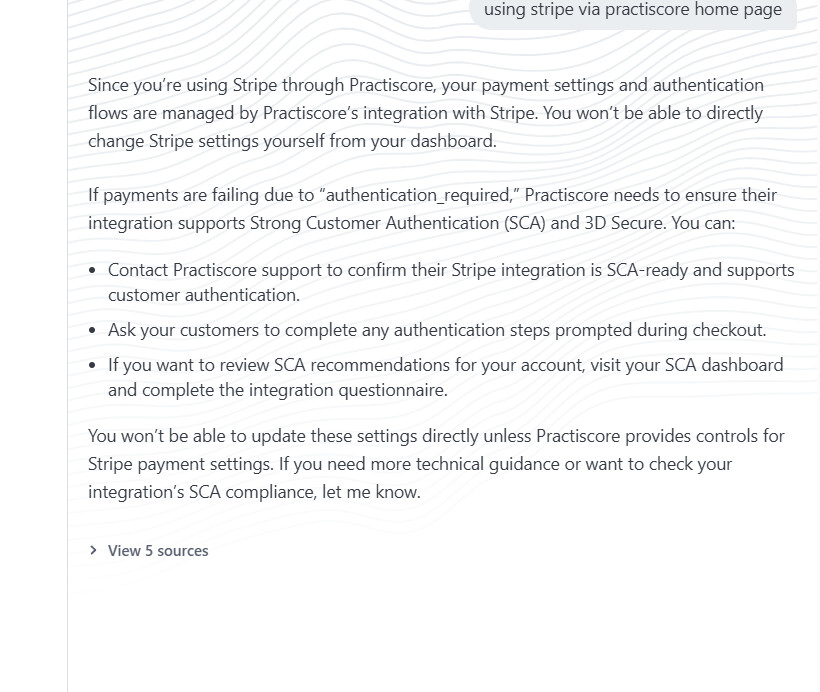
Its totaly random if a payment makes it and talkede to stripe robot and it gave me this:
Since you’re using Stripe through Practiscore, your payment settings and authentication flows are managed by Practiscore’s integration with Stripe. You won’t be able to directly change Stripe settings yourself from your dashboard.
If payments are failing due to “authentication_required,” Practiscore needs to ensure their integration supports Strong Customer Authentication (SCA) and 3D Secure. You can:
- Contact Practiscore support to confirm their Stripe integration is SCA-ready and supports customer authentication.
- Ask your customers to complete any authentication steps prompted during checkout.
- If you want to review SCA recommendations for your account, visit your SCA dashboard and complete the integration questionnaire.
You won’t be able to update these settings directly unless Practiscore provides controls for Stripe payment settings. If you need more technical guidance or want to check your integration’s SCA compliance, let me know.