During the winter months, most matches here in Arizona fill up in approximately 30 sec or less. How can I remove the LINK button in the payment section for matches? It slows down my registration process.
Ernie
@Ernie_Flotto
Specifically what are you asking about a link button? Remove it where?
What club are you managing a registration for. I don’t see that this account has match director privilege.
@Ernie_Flotto
I did some research and the autofill button is a browser system option.
I’ve never seen it because I use Firefox or Chrome.
I opened a registration with Edge and found it. Then I looked in the borwser settings and there are options to turn off autofill.
So it’s up to every user depending on the browser you use and the settings.
Regards,
Thanks for your reply. I’m just a USPSA shooter here in Az. I’m also a member of the Rio Salado and Cactus Combat clubs. I can’t find a Practiscore phone number for an answer to my question. So I chose a group and started typing. The issue I have is when I go to the ”Card Info” cell to pay for a match. At the far right of the cell is an “Autofill Link” button. Instead of using Safari for autofill, it is an alternative way to autofill credit card information. I am seeking help to remove this button. The button also hides the zip code entry. During the winter months, here in Az, there is usually 15-30 seconds to complete a match registration before it is full. Using the “”Autofill Link” button slows down the registration process. I can use either option, but the “Autofill Link” button gets in the way.
Ernie
@Ernie_Flotto
The same goes for Safari auto-fill. This is a issue with your browser NOT with the website.
The website does not provide auto-fill.
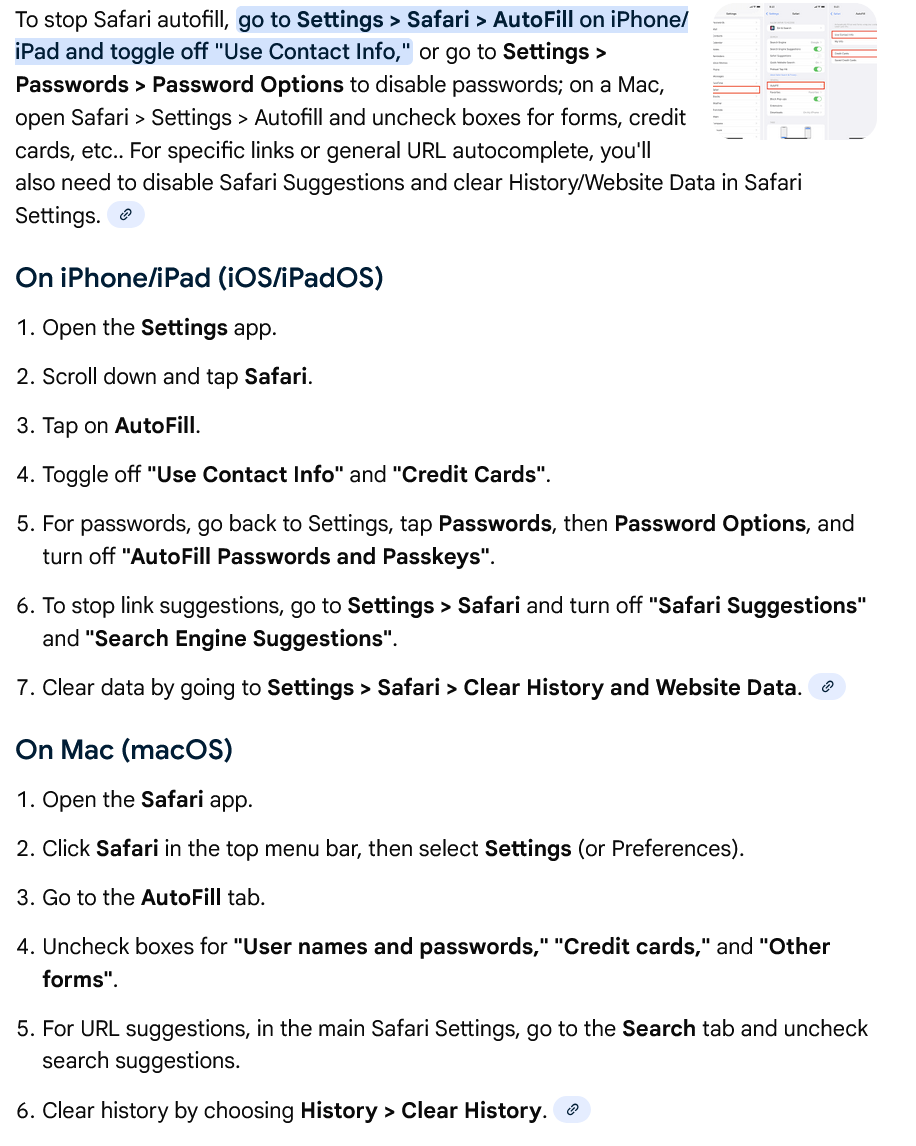
I did a simple google search of safari auto-fill and this is how to disable it.
@D.J.Petrou - you all might be talking about two different things. I think he is referring to this Link button that seems to replace the some of the credit card fields. It is not until you enter or start to enter a credit card number that the button disappears. Some auto fill applications (I use Bitwarden) have to fill the credit card number, after which the Link button disappears and reveals the additional credit card fields that are not filled. The Link thing is a Stripe service and is present for multiple browsers I checked. Stripe says you can remove it in the payment methods section, but when I looked there it said Practiscore Payments is managing that method and it can’t be changed. It has not be much of a deal for me, I guess they put it there to solicit more people to use that Stripe service.
