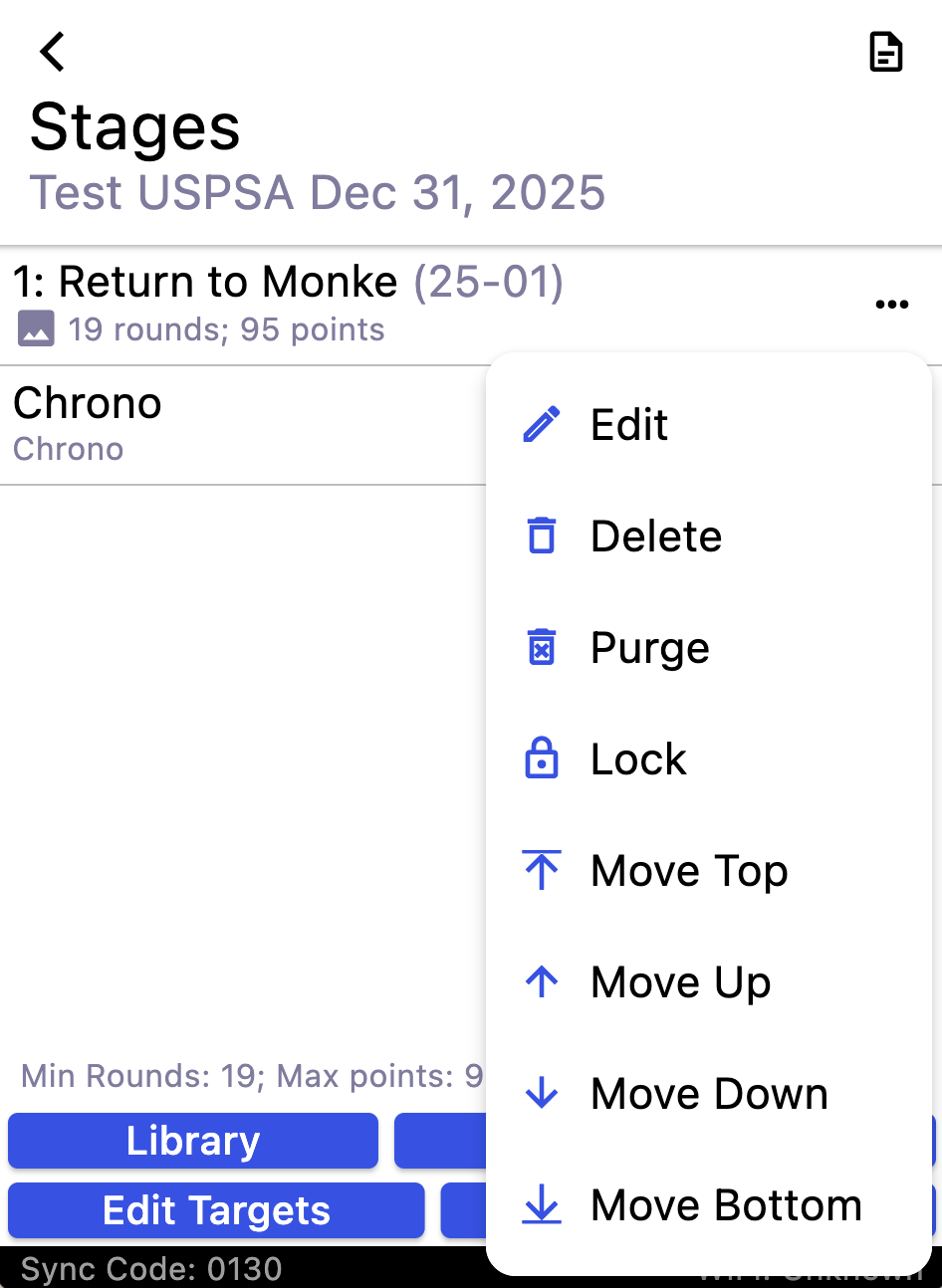
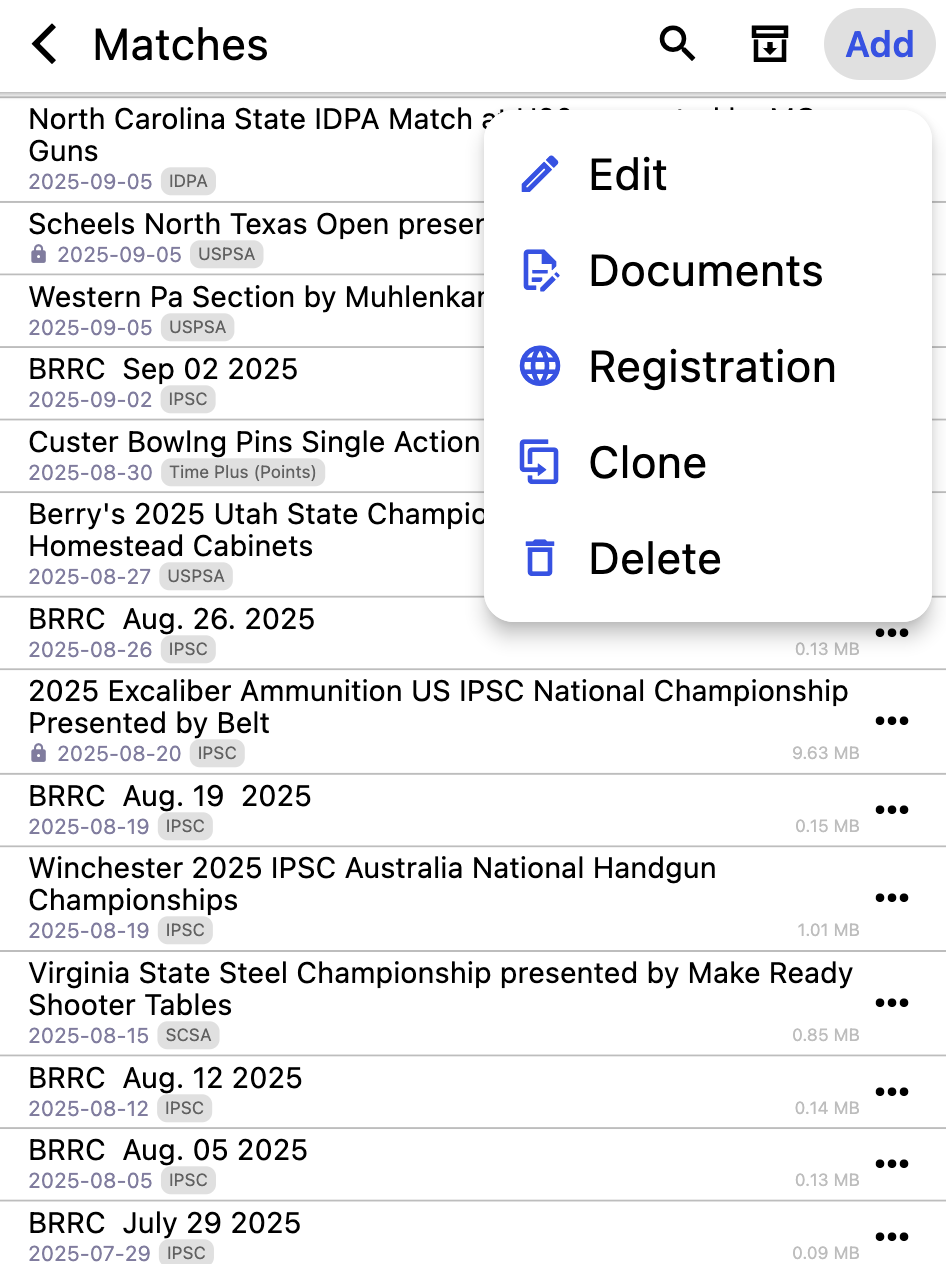
Have latest PractiScore 2.2.1+201 on a new iPad running iOS 26.2. When on edit shooters screen and I tap on sort icon, I see a pop up for a fraction of a second and then it disappears, so I cannot make any selection.
If I tap on the triple dot, I see the menu appear and then disappear, and have to tap it several times for it to stay up, so I can make a selection.
Yeah, kind of seems like that is what is happening. Slower on the triple dot, so after 4-5 tries I can get that to work. Odd thing is that I don’t see that happening in other places of the app. Only tried a few places as it was the morning of the match, so I switched to another tablet.
How do I report the issue, so that the app can be updated?
I haven’t been able to reproduce this on my test devices. The next app release will have a major update of the system frameworks. If issue isn’t resolved then, please let us know.
Thanks for looking into it. My iPad is a new 128GB wi-fi model with the latest 26.2 iOS. Let me know, if you need any additional info, or want me to try a test version of the app to help troubleshooting.
Also, is there a place with release information (history, change log/features) for the app, and is there any schedule for upcoming releases?
New PractiScore user. This is still happening, BTW. Newest iOS and PractiScore versions. When I’m on the shooter screen in a match, the 3 dots menu opens and closes. If I hit it enough times, it will eventually stay open. It seems to work as expected from there, just a pain to actually use the menu when it keeps opening and then closing.
Thanks, just an FYI… I’m managing.
iPad Air (3rd generation)
iOS - 26.2.1
PractiScore - 2.3.0
Edit Shooters/Squads menu - 3 horizontal dot menu in the upper right - I open it and the pop-up menu just opens and immediately closes most of the time. Enough tries and it will stay open. The menu with the 3 horizontal bars also exhibits this behavior. Neither do it consistently. The same menus on the Fire HD8 Plus (2022) tablet work fine.
It thinks that you tapped it two times. First tap opens the menu or sort options popup and second tap outside of popup is a “popup close” gesture.
I was hoping that issue would go away after the major update of UI toolkit in 2.3, but apparently it still there and I can’t reproduce it on my test devices.
Are you seeing the same problem in other places in the app UI?
For example:
a shooter entry menu on that same screen
when you long tap on the shooter on the same screen - does selection menu (top right corner) has the same issue?
on the match list screen - is there the same issue with top right menu? what about match-entry menu on that screen?
Yes, as far as I know, the issue is isolated solely to iOS 26.x and I can’t reproduce it on earlier iOS versions.
If I tap on the Add Shooter menu, I can add and save ok, but the back arrow does the same. It will eventually let me exit without saving.
When I hi-light a shooter, both the “Squad” and the 3 dot button menu in the upper right do the same.
The search, download, and “Add” all work fine on the match page. Every time there’s a horizontal bar for a match or a shooter, the 3 dot menu to Edit/Delete, etc seems to work fine.
Does long-tap on the search icon works on any screen?
Or after search is active - does tapping on the search helper icon works? E.g. the bars with a check icon on the right of the search field.
Also, what about stage-entry or match-entry menus?
The long tap on the search icon opens and closes as well ( It’s actually the pop up menu once you get the check Icon) It does it on the add shooter screen (Should show division, class, country, etc.). It pops up and disappears on the Match search (Should show type, year, template, etc.) It does it in the add match too (The menu should show type, sub type). It does it on the select stage screen (Should show scoring/targets). The back button out of stage editing does it (Menu to cancel, exit, exit & save).
Sounds the same, as I issue I (still) have. My iPad is brand new (XMAS). I know my friend has an older iPad, and our club has numerous Fire HD tablets that we use for matches and it works fine on those devices.
An update on my issue. I imported a Steel Challenge match I had just created, and went to the shooter’s list. I tried the sort option, and it worked without issue. I switched back to the IDPA match from December that was showing the issue, and sorting worked fine there too.
Taping the sorting icon, shows the options, nothing disappeared, and I didn’t have to tap on it a bunch of times to get it to work. The triple dot worked, and I could switch to sqaud view, etc. Essentially, acting like it should, and what I saw on other devices.
My iPad was updated from 26.2 to 26.3, and Practicescore has updated from 2.2.1+201 to 2.3.3+305. Not sure which change(s) fixed the issue, but I’m glad it is working now.